- You have no items in your shopping cart
- Continue Shopping

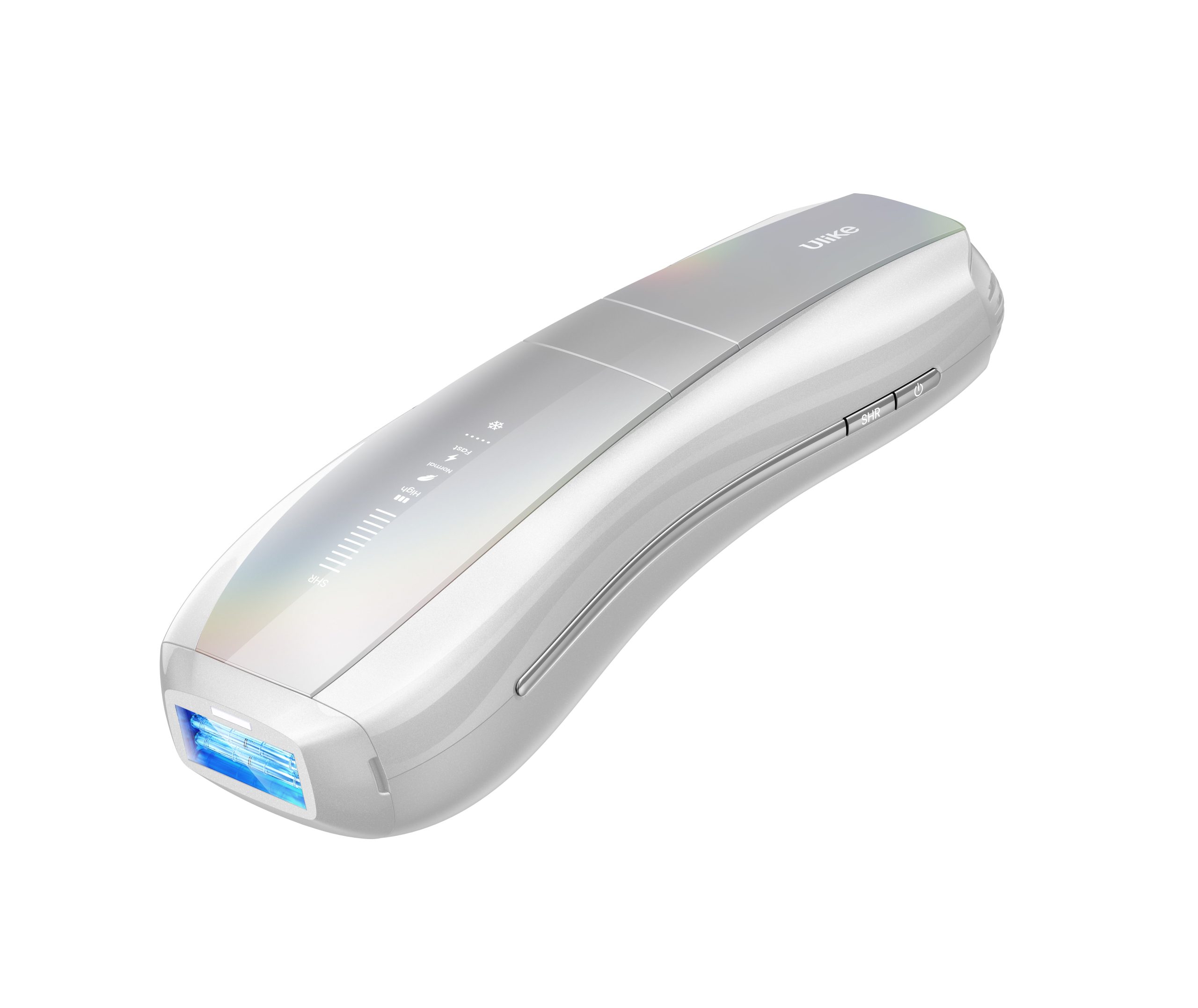
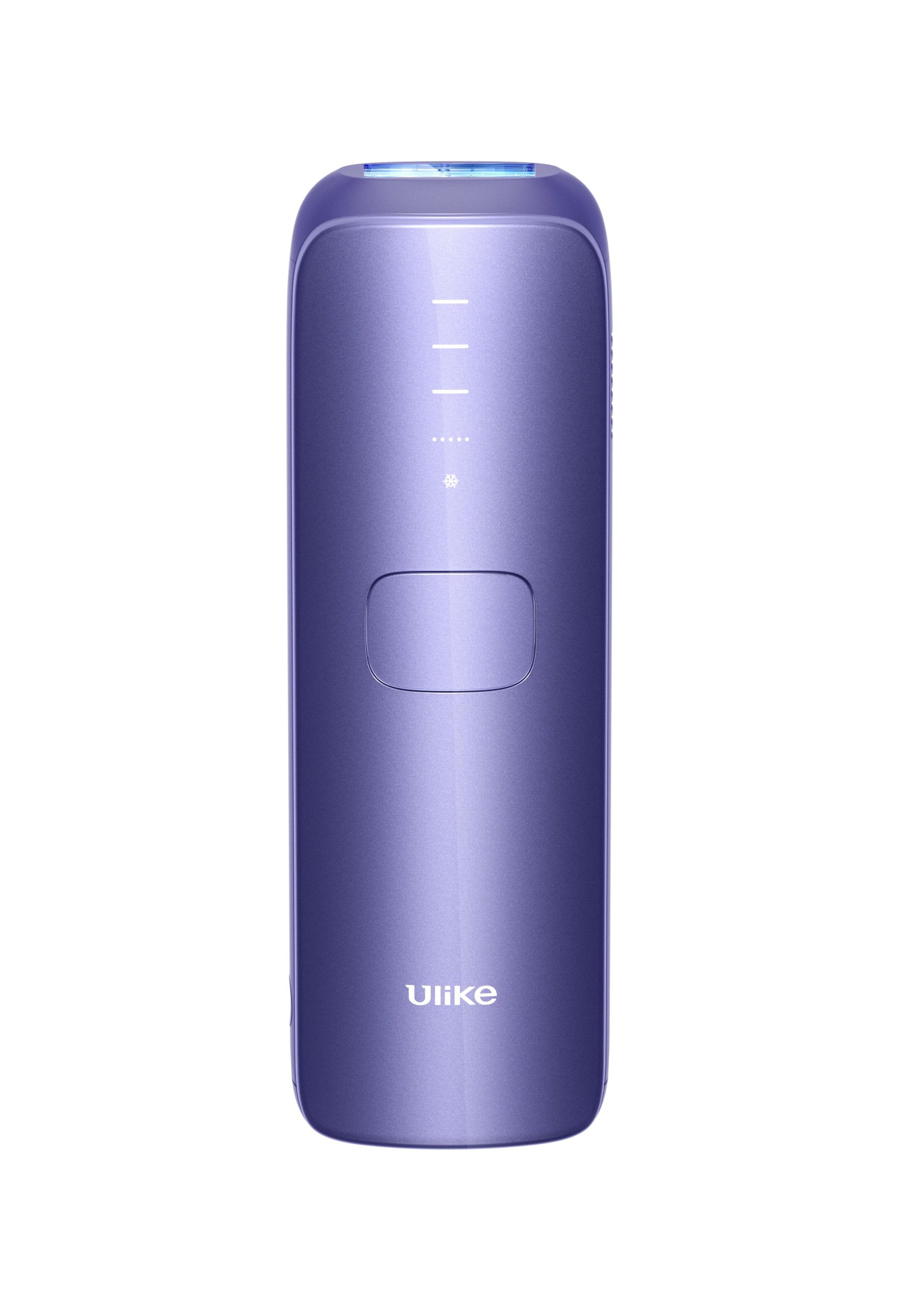
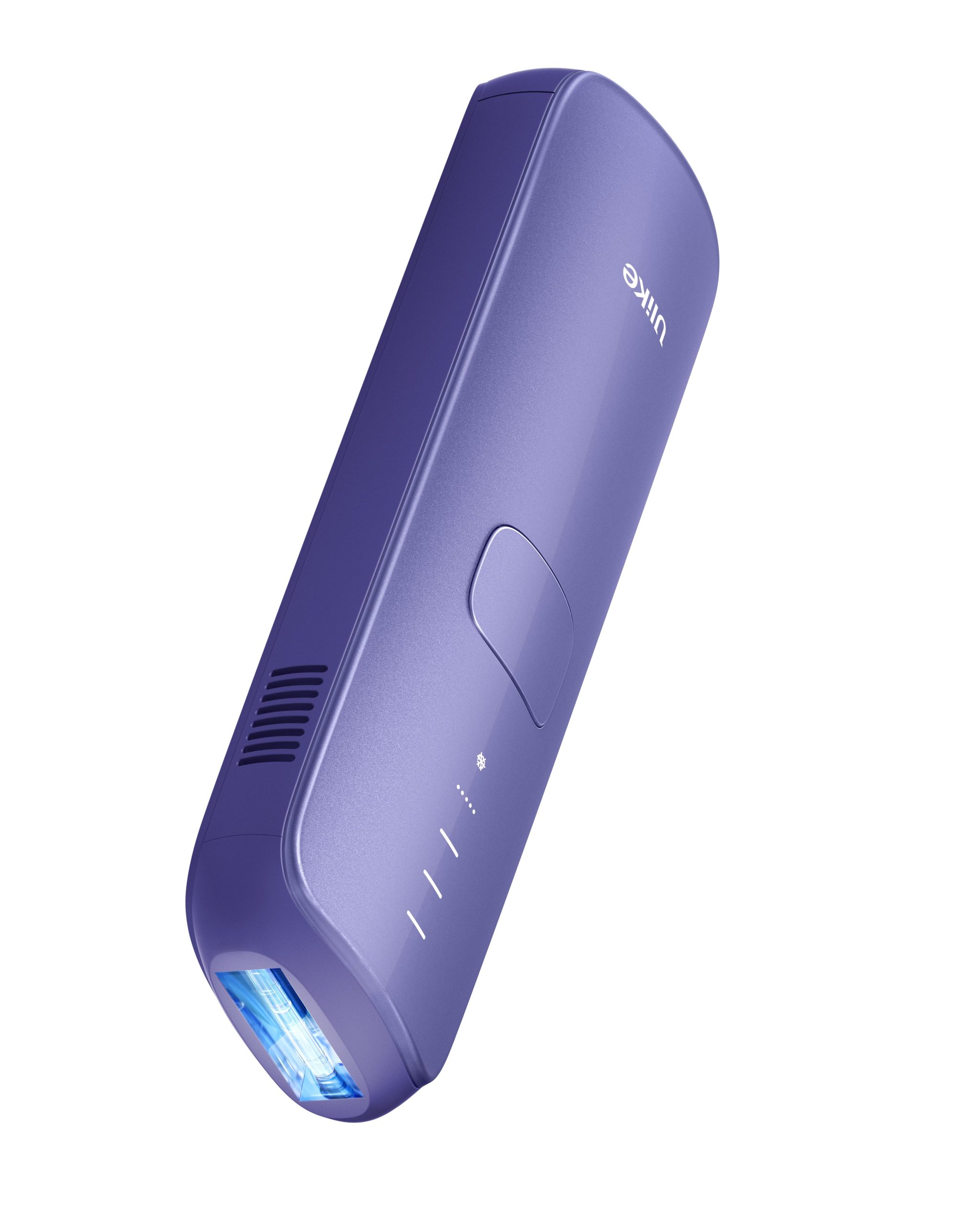
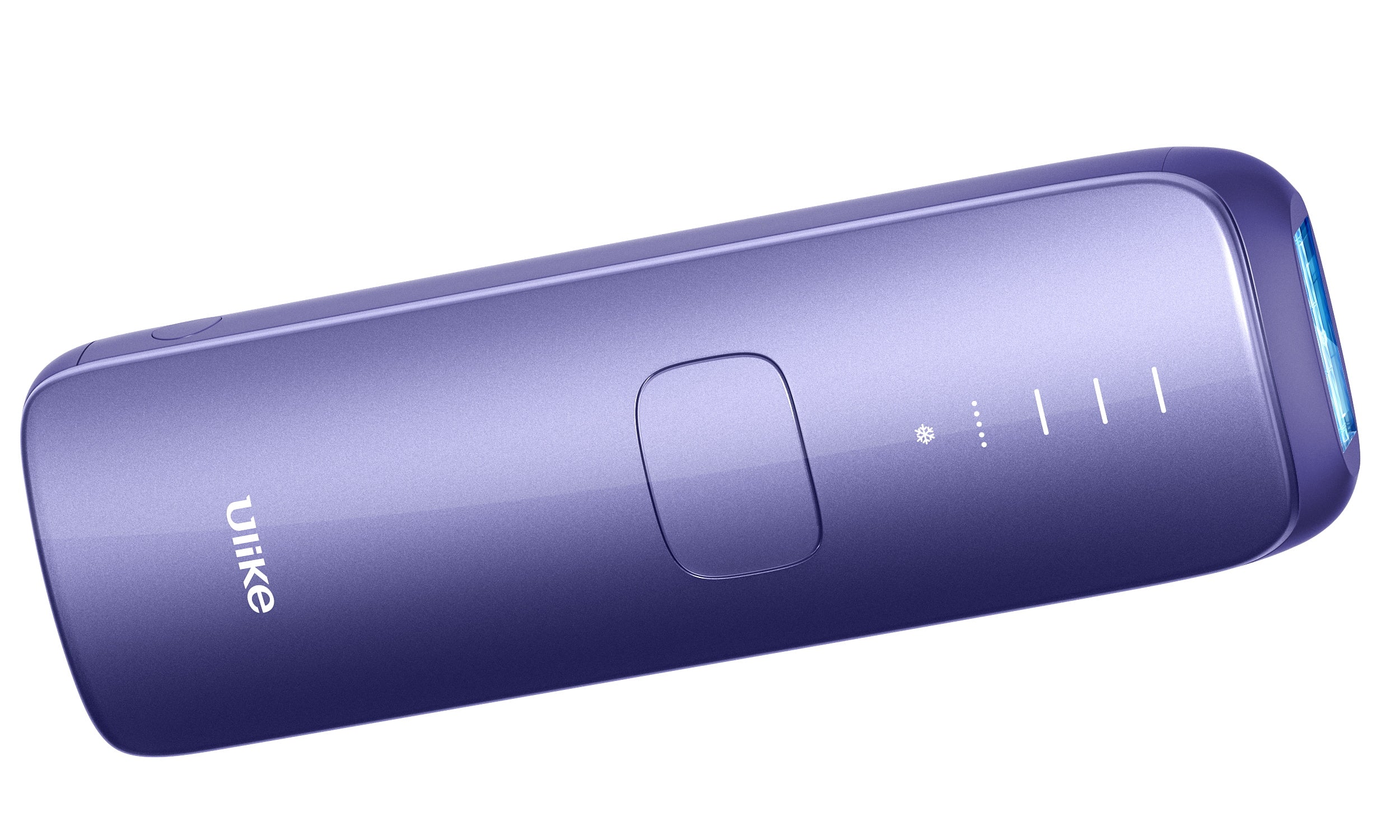
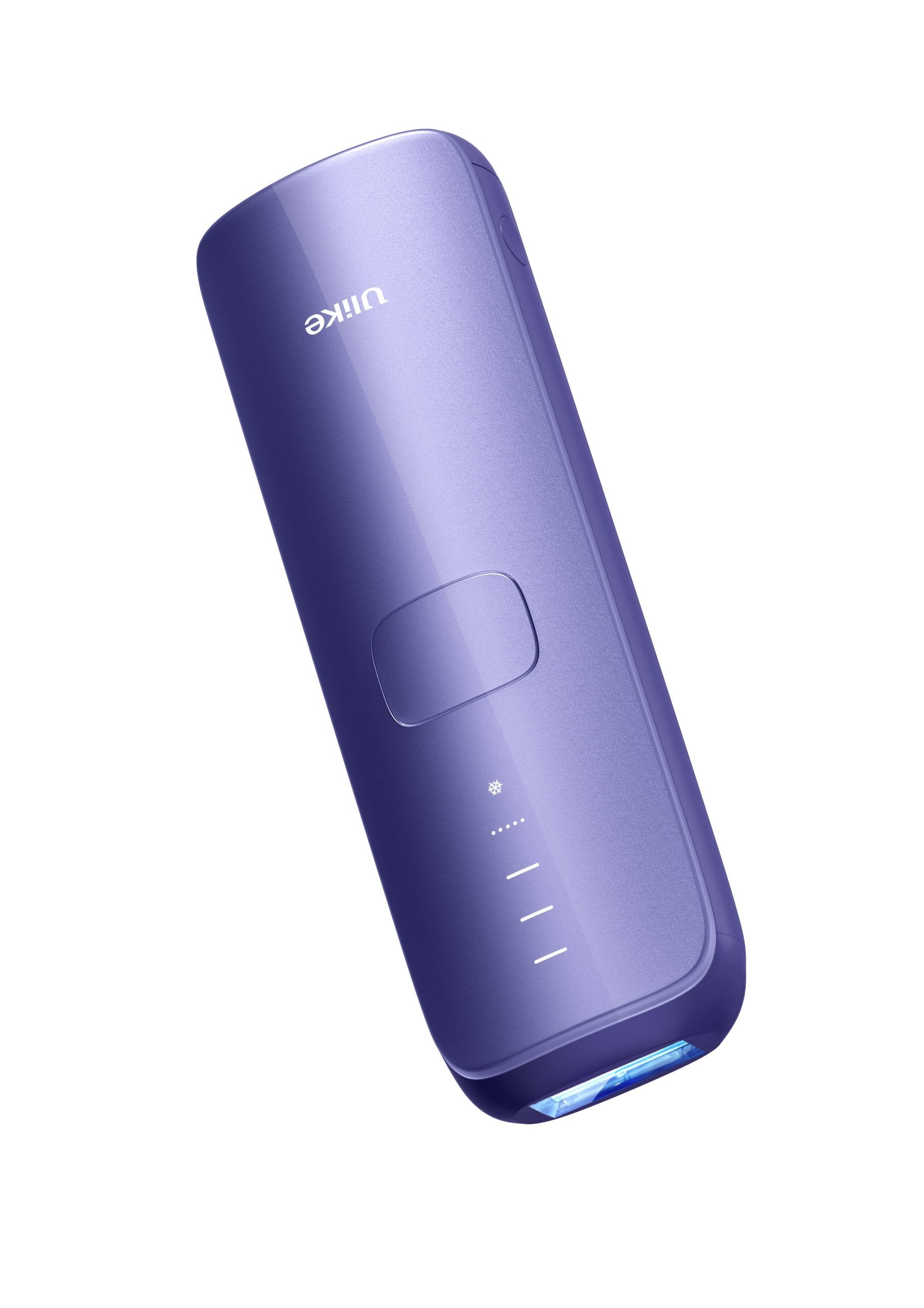
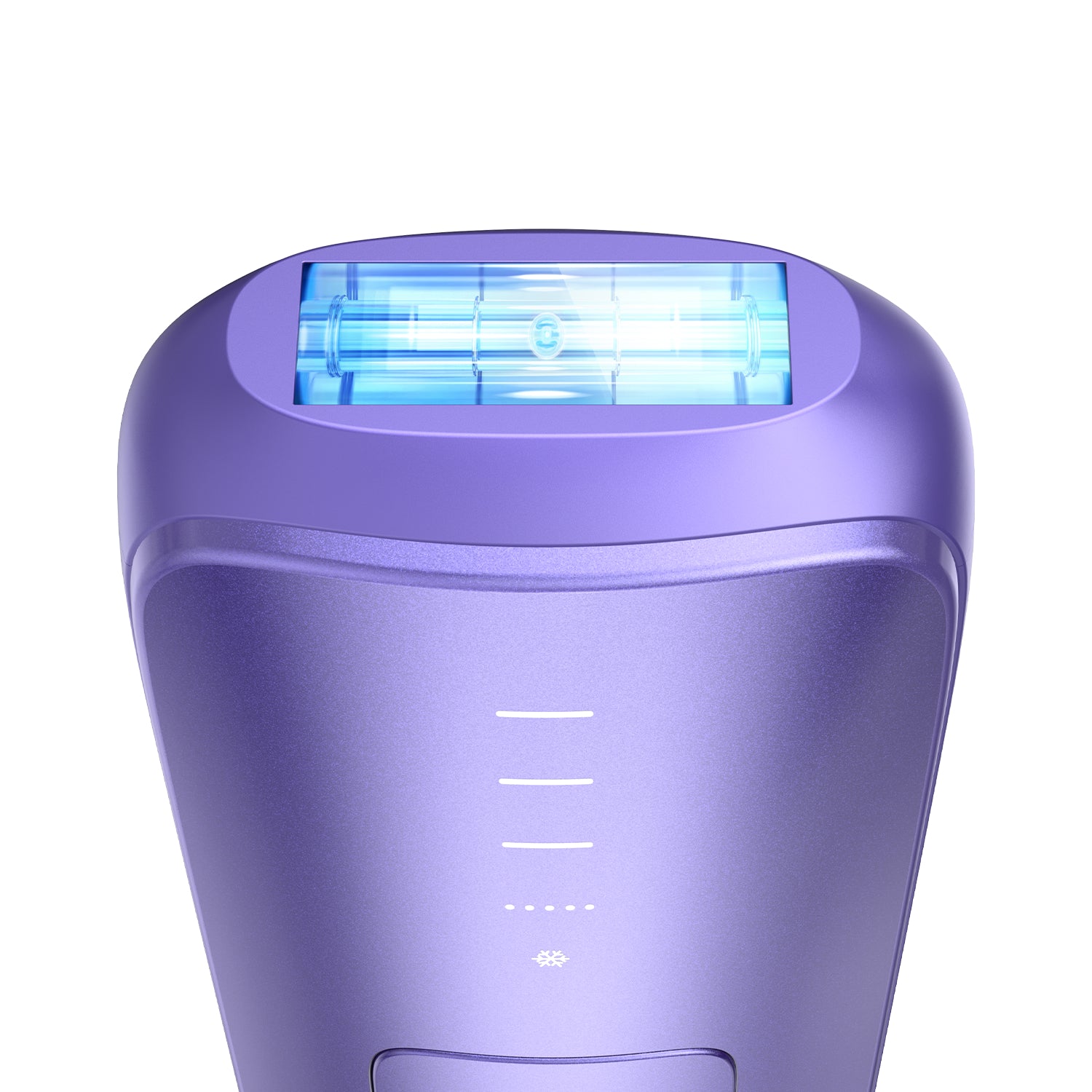
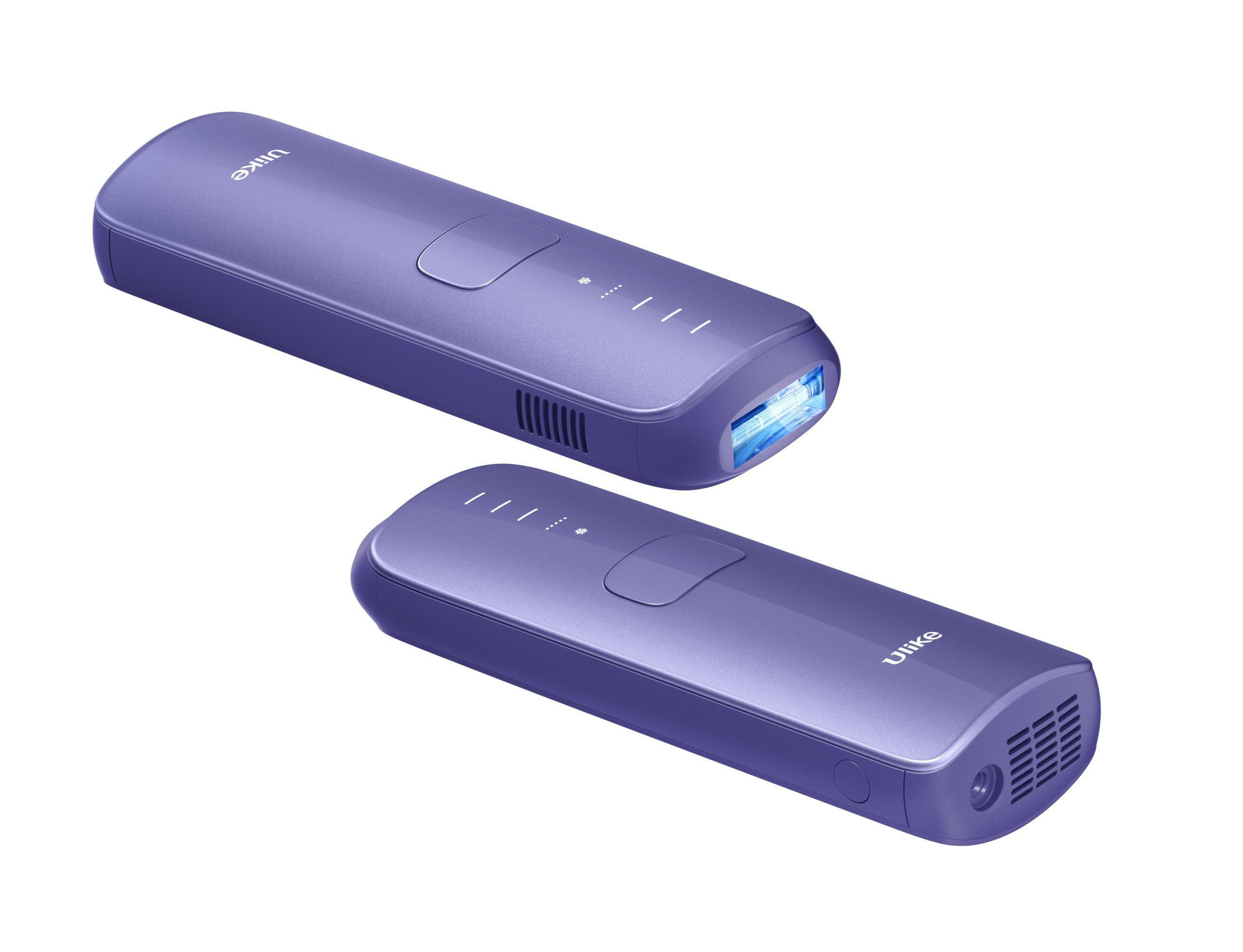
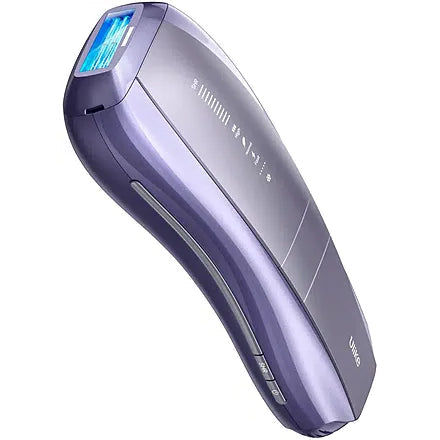
ULIKE Sapphire Air 3 IPL Hair Removal Device Without Leather Case,Purp – Default Title
127,200 د.ك
Available : 999
Sold : 0
999 in stock
Add to cart
Buy Now
Guaranteed Safe Checkout

Free
Worldwide Shopping
100%
Guaranteed Satisfaction
30 Day
Guaranteed Money Back
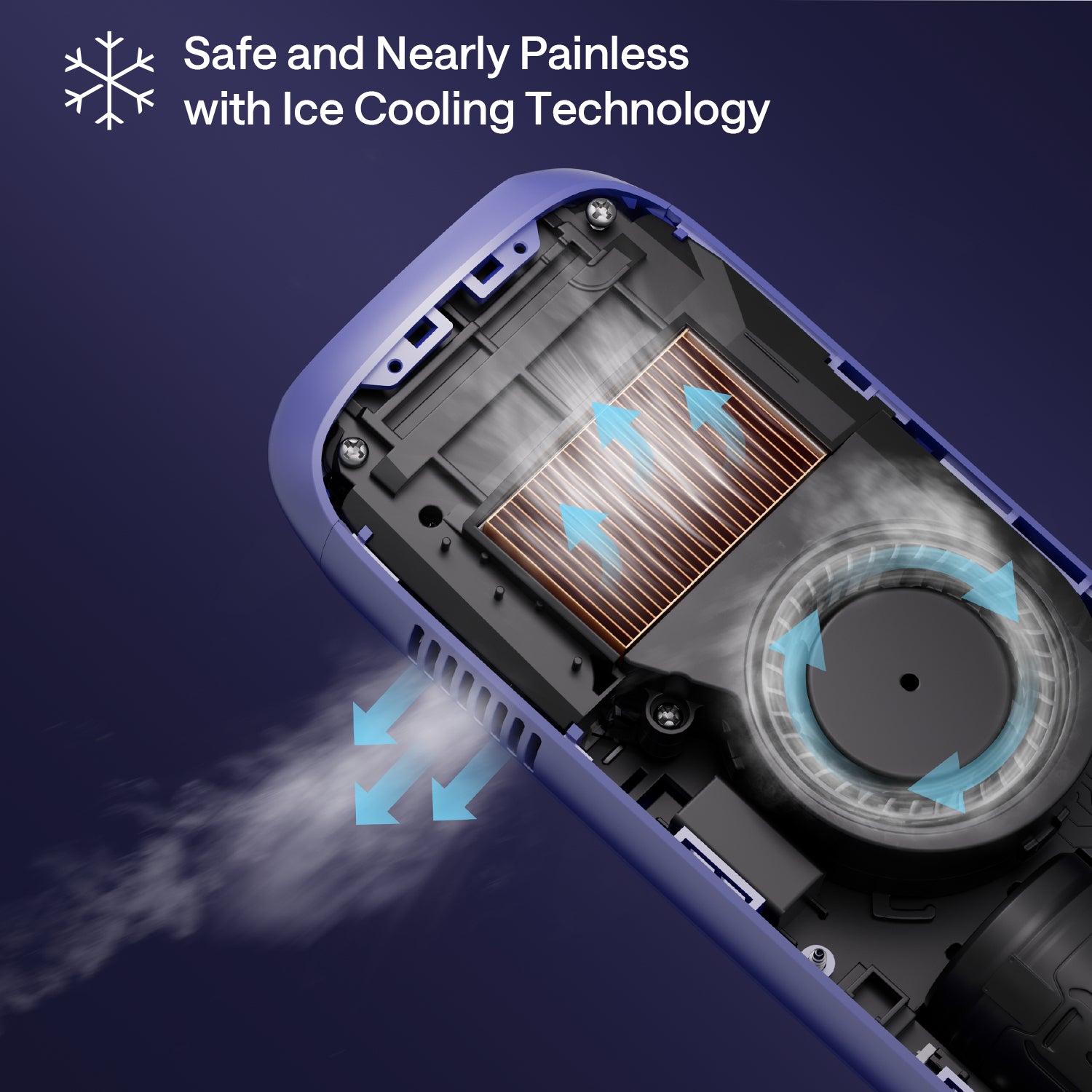
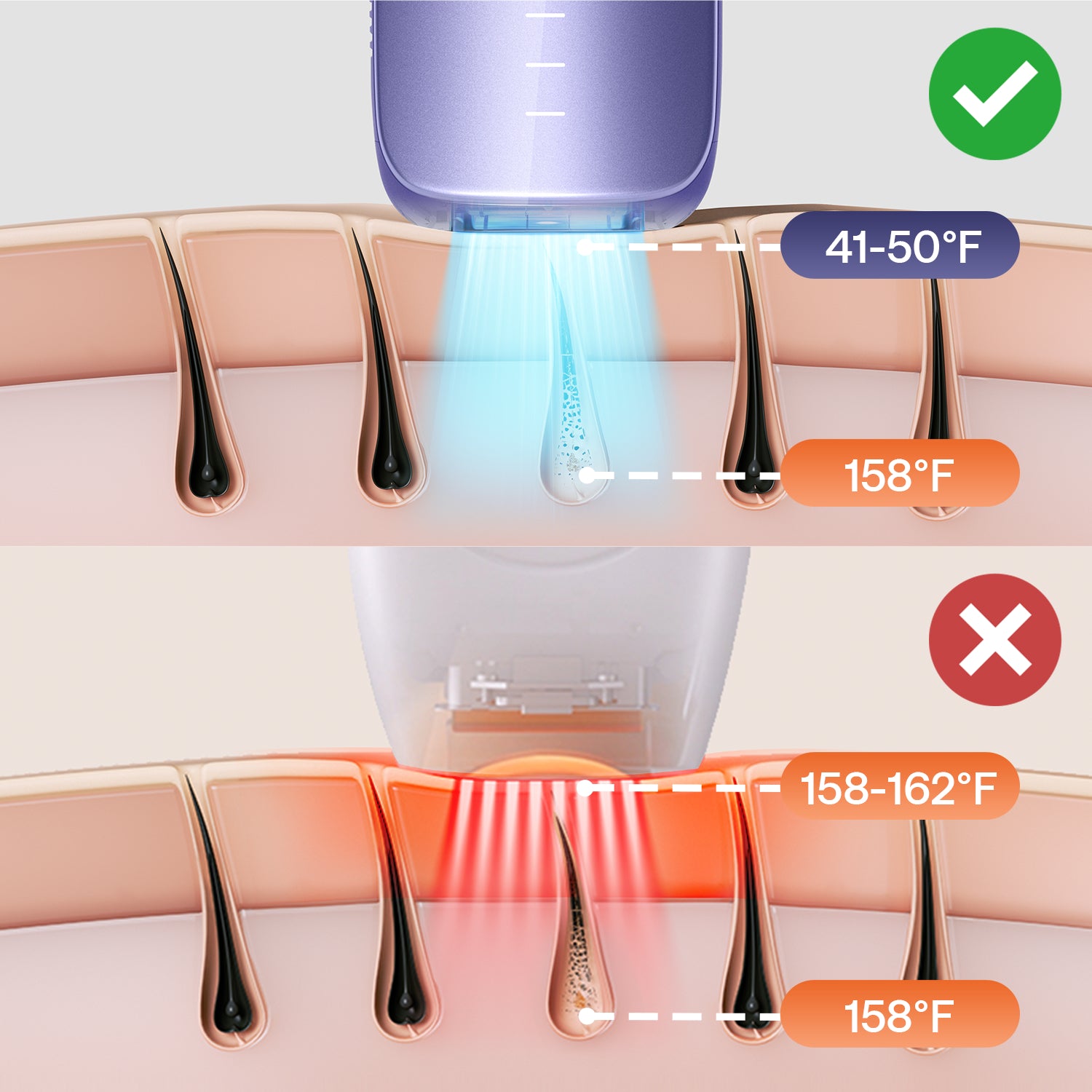
• Nearly Painless Hair Removal From Home: Patented Ice-Cooling touch eliminates unwanted hair through almost painless treatment. Ulike Air 3 IPL hair removal device uses advanced technology with a cooling system to sustain an ice-cooling sensation at 67°F* on the skin while delivering a nearly painless hair solution at home.
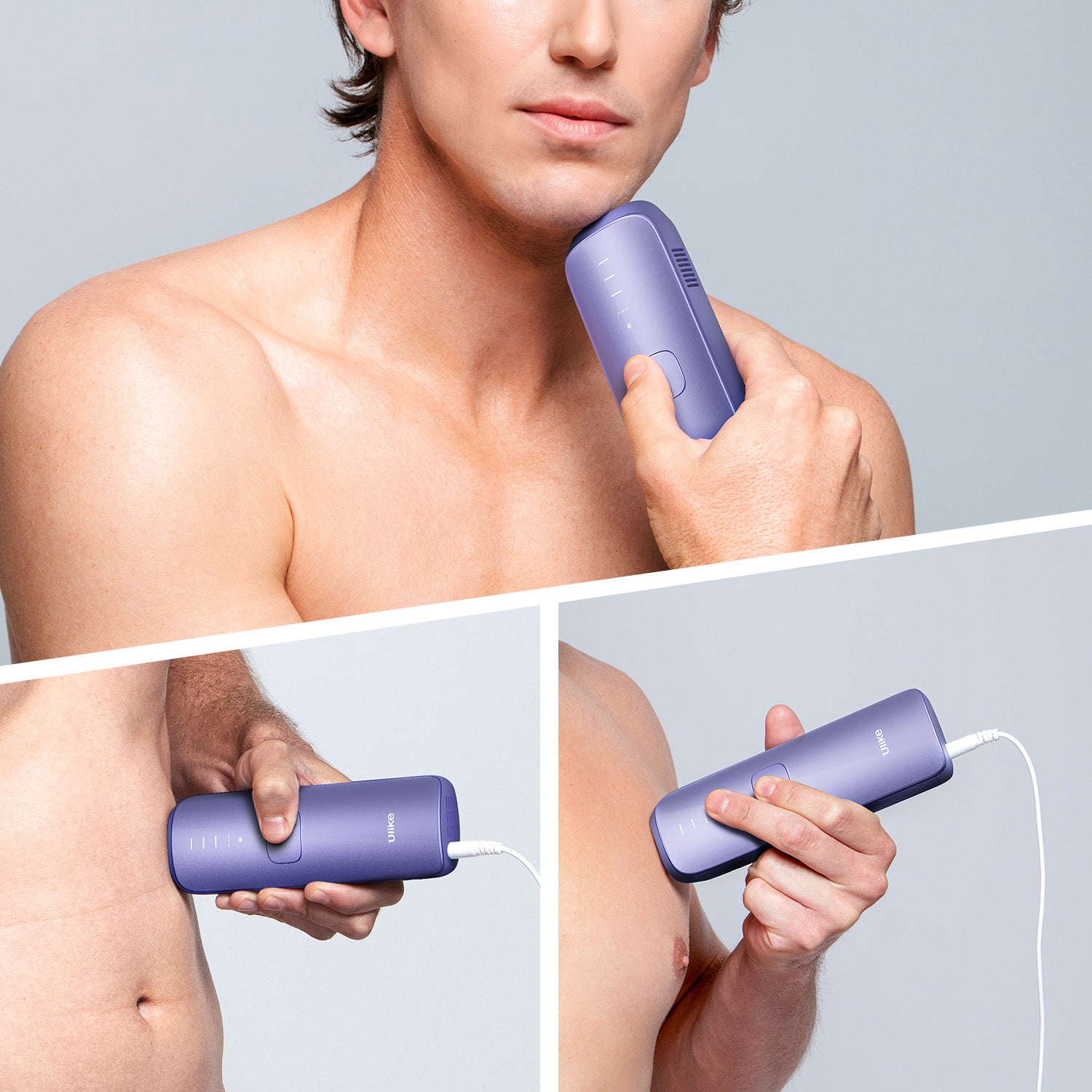
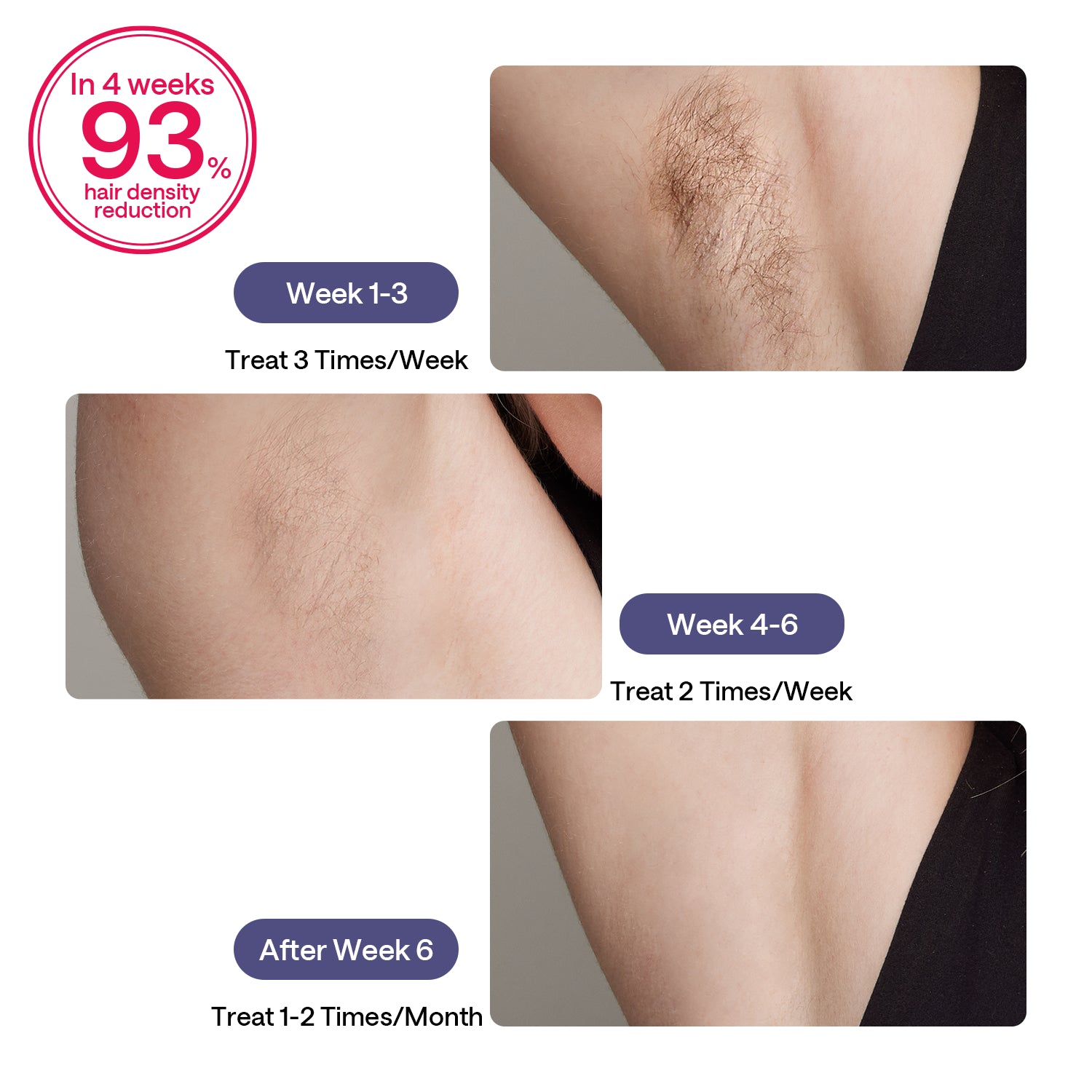
• Results in Just 3 Weeks*: Ulike Sapphire IPL hair removal brings noticeable hair reduction within 3 weeks*. The industry-leading technology IPL hair removal isn’t just powerful, easy to use, and nearly painless; it also ensures long-lasting hair removal results for both women and men.
• Smart One-Time Investment: Ulike hair removal device combines affordability with IPL hair removal effectiveness. Break free from the endless cycle of buying razors, wax strips, and inconvenient trips to the clinic. Air 3 brings you innovative, long-lasting hair removal results from the comfort of your home. Exquisite package makes it a perfect gift choice for Christmas, New year, Valentine’s Day and etc.
• Safe IPL Technology: Ulike IPL hair removal is designed with advanced technology to ensure safety and effectiveness for most skin and hair types, for both women and men. Check Ulike’s skin safety chart to get a safe and effective hair removal treatment. (Note: 1, Not suitable for tattooed and over-tanned skin, wounded areas, and pregnant. 2, It is a plug-in device, please keep the device always connected to power during the treatment.)
How To Use:
1. Shave the Treatment Area: Shave the areas you plan to treat to ensure the hair is no longer than 2mm. This allows the IPL to target hair follicles effectively without causing discomfort. After shaving, clean and dry the area completely.
2. Connect the Device to Power: Plug the power cord into the adapter, connect it to the device, and then plug the adapter into a power outlet. The Ulike Air 10 operates with a direct power supply.
3. Turn On the Device: Press and hold the power button for about 2 seconds to turn on the device. Indicator lights and air vents will activate, signaling that the device is ready for use
4. Wear Protective Goggles: Put on the provided UV protective goggles to shield your eyes from the intense light flashes, especially when treating facial areas.
5. Perform a Patch Test: Before full treatment, conduct a patch test on a small area using the Fast Mode to ensure there are no adverse reactions. Wait for a period to monitor the skin’s response.
6. Select the Appropriate Mode: The Ulike Air 10 offers several modes:
o Fast Mode: Default mode upon powering on; suitable for quick treatments.
o Normal Mode: Press the power button once to activate; ideal for arms and legs with fine to normal hair.
o High Mode: Press the power button again to activate; designed for areas with thicker hair like the chest or underarms.
o SHR (Super Hair Removal) Mode: Press the button next to the power button to activate; intended for stubborn hair and sensitive areas such as the bikini line.
7. Treat the Desired Area: Ensure the light window is in full contact with the skin. For larger areas, you can activate the AutoGlide Mode by pressing the large button on the front of the device; this mode doesn’t work with SHR Mode. Move the device steadily across the skin, allowing it to emit pulses of light.
8. Turn Off the Device: After completing the treatment, press and hold the power button for 1-2 seconds to turn off the device.
9. Clean the Device: Wipe the light window with a clean, dry cloth to remove any residue. Proper cleaning ensures the device’s effectiveness and longevity.
10. Moisturize Treated Areas: After treatment, apply a hydrating moisturizer to soothe the skin. Avoid sun exposure and use sunscreen if necessary.
Treatment Schedule:
• Weeks 1-4: Use the device three times per week.
• Weeks 5-12: Use once or twice every two weeks.
• Maintenance: After the initial 12-week cycle, use the device as needed to maintain results
Related products







Product Recently View
Read More
Customer reviews
Reviews
There are no reviews yet.
Write a customer review